

App Development
Native vs Cross-Platform vs Web Apps: How to Choose the Right One
Choosing between a native app, cross-platform app and web app can affect your development cost, user experience and future growth. This guide explains how each option works, where it performs best and what to consider before investing in an app.
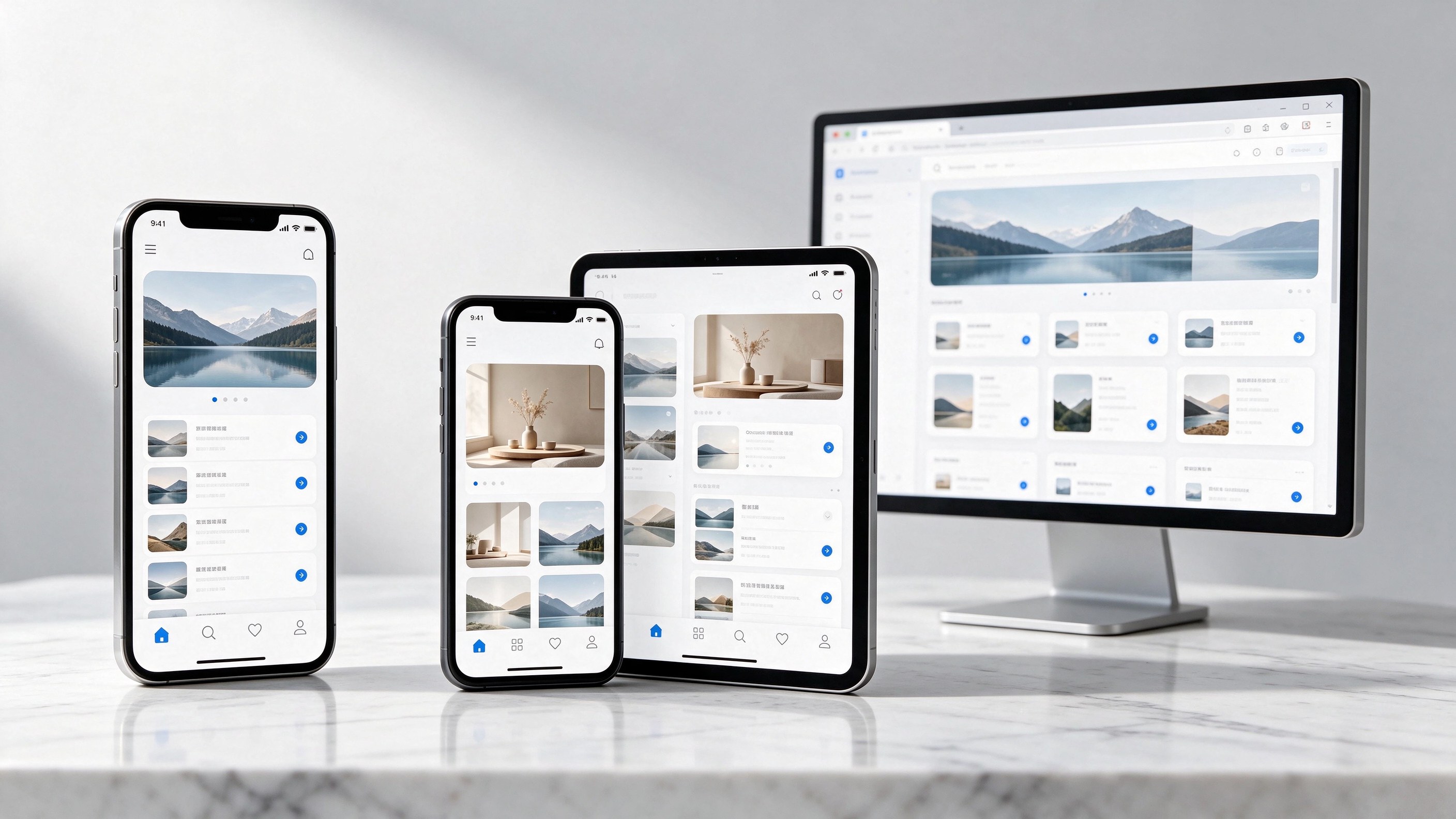
When a business decides to build an app, one of the first questions is which type of app to develop. Should it be a native mobile app, a cross-platform app or a web app? These options can all help a business serve customers, manage services and improve the way people interact with its products. However, they are built differently and come with different costs, strengths and limitations.
Choosing the right option matters because an app is more than its appearance. It needs to work well for its users, support the business process behind it and remain manageable as the business grows. The best choice is not always the most advanced or expensive one. It is the option that solves the actual problem without adding unnecessary complexity.
What Is a Native App?
A native app is built specifically for a particular operating system. For example, an iOS app is developed for Apple's devices, while an Android app is developed for Android devices. Developers use the programming languages and tools designed for each platform.
Because native apps are made for a specific operating system, they can work closely with the device. Depending on the app's purpose and permissions, they can use features such as the camera, location services, contacts, notifications, biometric security and other hardware functions.
Advantages of native apps
- Strong device integration: Native apps can make effective use of supported device features.
- Platform-specific experience: The interface can follow the design standards and behaviour users expect on that operating system.
- Performance control: Developers have direct access to platform tools, which can be useful for demanding applications.
- Offline capabilities: Native apps can store information locally and support selected features without an internet connection.
Limitations of native apps
The main challenge is that separate development work is usually needed for iOS and Android. This can increase the time, cost and effort involved in building and maintaining the product. Updates, testing and new features may also need to be handled separately for each platform.
Native development can be a good choice when an app depends heavily on device capabilities, needs detailed platform-specific behaviour or has performance requirements that justify the additional investment.
What Is a Cross-Platform App?
A cross-platform app is built using a shared development approach that allows much of the same code to work on more than one operating system. Frameworks such as Flutter and React Native are commonly used for this type of development.
Instead of building two completely separate applications, developers can share a large part of the code while making adjustments where each platform requires different behaviour. This can make it easier to release and maintain an app for both Android and iOS.
Advantages of cross-platform apps
- Shared development: Much of the application code can be used across multiple platforms.
- More efficient maintenance: Common features and updates can often be managed in one shared codebase.
- Wider reach: A business can serve users on different mobile platforms without maintaining two entirely separate applications.
- Consistent product experience: Shared components can help keep the app's main features and design consistent.
Limitations of cross-platform apps
Cross-platform development does not remove every platform difference. Some device features may need additional native code, and developers still need to test the app on different devices and operating system versions.
Performance is often suitable for many business applications, but the result depends on the framework, app design and technical requirements. An app with complex graphics, intensive background processing or unusual hardware needs may require more specialised development.
Cross-platform development is often worth considering when a business wants to launch on both major mobile platforms while keeping development and maintenance more manageable.
What Is a Web App?
A web app is an application that users access through a web browser. It is usually built with web technologies and runs through a website address rather than being installed from an app store in the same way as a traditional mobile app.
Examples include online booking systems, customer portals, dashboards, order management platforms and browser-based business tools. Users can often access the same application from a phone, tablet or computer, provided the application supports their browser and screen size.
Advantages of web apps
- Easy access: Users can open the application through a link without downloading a traditional app.
- Centralised updates: Changes can usually be deployed to the web application without asking users to install a new store version.
- Broad device support: A well-designed web app can work across different devices and operating systems.
- Useful for business workflows: Web apps are well suited to dashboards, forms, portals, booking systems and internal tools.
- Flexible distribution: Businesses can share access through their website, email or other communication channels.
Limitations of web apps
A web app depends on browser capabilities and the user's internet connection for many of its functions. Some browser-based features may be more limited than their native equivalents, especially when an application needs deep access to device hardware or background services.
Some web apps can support offline use or be installed on a device through progressive web app features. However, these capabilities vary by browser and operating system, so they should be checked against the needs of the project.
A web app is often a practical choice when users mainly need to access information or complete tasks online, particularly when the service should work across desktop and mobile devices.
Native vs Cross-Platform vs Web App: The Main Differences
Although all three approaches can deliver useful digital products, they differ in how they are developed, accessed and maintained.
- Development approach: Native apps are built for specific operating systems. Cross-platform apps share much of their code across mobile platforms. Web apps are built to run in browsers.
- Installation: Native and cross-platform mobile apps are commonly distributed through app stores. Web apps are accessed through a browser, although some can be installed as progressive web apps.
- Device access: Native apps generally offer the most direct access to platform features. Cross-platform apps can access many of these features, sometimes with additional platform-specific work. Web apps depend on browser support.
- Maintenance: Native apps may require separate platform work. Cross-platform apps can share much of their maintenance. Web app updates are usually managed centrally.
- Internet use: All three can communicate with online services. Offline support depends on how the application is designed and what data it needs.
There is no single winner in every situation. The right approach depends on the features, users, budget, technical requirements and long-term plans of the business.
How to Choose the Right App Type for Your Business
1. Start with the problem you want to solve
Before choosing a technology, write down what the app should help people do. Is it meant to let customers place orders, book appointments, track deliveries, manage accounts or communicate with your team? Is it an internal tool for employees, or a product that customers will use every day?
A clear purpose helps prevent unnecessary features from making the project more expensive and difficult to manage. It also gives developers a better basis for recommending an approach.
2. Understand how users will access it
Think about where and how people will use the application. If customers mainly need to open a link and complete a task, a web app may be enough. If they need a dedicated mobile experience on both Android and iOS, cross-platform development may be suitable.
If the product depends on detailed device integration or specialised operating system features, native development may be more appropriate. Consider the devices your audience already uses rather than assuming everyone will install an app.
3. List the features the app must support
Make a list of essential features before deciding on the development route. Include requirements such as push notifications, camera access, location tracking, offline access, payments, file uploads, account management and connections to other business systems.
Not every project needs every feature. Separating essential requirements from optional improvements makes it easier to select a suitable technology and control the project scope.
4. Set a realistic budget
The cost of an app is not limited to the first development stage. You should also plan for design, testing, hosting, security, updates, technical support and future improvements.
Native development for multiple platforms can require more separate work. Cross-platform development can reduce duplicated effort, while a web app may be simpler when the required features are browser-based. However, the actual cost depends on complexity, integrations, security requirements and the quality of the implementation.
Ask for a clear breakdown of what is included in a development proposal. A low initial price may not include important work such as testing, documentation or ongoing maintenance.
5. Consider future growth
Your first version should solve a real problem, but it should not prevent the business from improving the product later. Consider whether you may need additional user roles, more locations, new payment options, reporting tools or connections to other systems.
A good technical plan should allow the application to grow without requiring a complete rebuild every time the business adds a feature. This does not mean building every possible feature from the beginning. It means making sensible decisions about the structure of the application.
6. Plan for security and maintenance
Any application that handles customer details, payments or business information needs proper security planning. This includes secure authentication, access permissions, safe data handling, regular updates and suitable backups.
Also decide who will maintain the application after launch. Software needs attention as devices, browsers, operating systems and business requirements change. Maintenance should be part of the original plan, not something considered only when a problem appears.
Practical Examples: Which Option Might Fit?
Looking at common business situations can make the decision easier. These examples are starting points rather than fixed rules.
- Customer booking system: A web app may work well when customers need to check availability and book through a website. A mobile app could be considered later if regular users need additional mobile features.
- Online shopping app: A cross-platform app may be suitable if a business wants dedicated Android and iOS applications with shared functionality. A responsive web store can also serve customers who prefer shopping through a browser.
- Employee management dashboard: A web app may be practical when staff need to access records, reports and management tools from office computers or mobile browsers.
- Location-based field service app: Cross-platform or native development may be worth considering when staff need regular access to location services, camera features and mobile notifications. The exact choice depends on how deeply the app uses these features.
- High-performance mobile product: Native development may be appropriate when the application has demanding graphics, specialised hardware requirements or platform-specific performance needs.
Common Mistakes to Avoid
Businesses sometimes choose an app type based on what is popular rather than what the project needs. This can lead to unnecessary spending or an application that does not serve users properly.
- Choosing technology before defining the requirements: Decide what the app must do before selecting a framework or platform.
- Building too many features at once: Start with the features that solve the main problem and add others when there is a clear need.
- Ignoring the user experience: A technically sound app can still be difficult to use if navigation, forms and everyday tasks are confusing.
- Forgetting maintenance costs: Plan for updates, hosting, monitoring and support after launch.
- Assuming one approach works everywhere: Test the application on the devices and browsers your users are likely to use.
- Skipping proper testing: Test important user journeys, permissions, security and error handling before releasing the app.
How MeridSpace Can Help
Choosing an app development route is easier when the business requirements are clear and the technical options are explained in practical terms. MeridSpace can help businesses plan digital products around their goals, users and day-to-day operations.
Whether you are considering a customer-facing mobile app, a web-based business platform or a system that connects different services, our team can help you think through the requirements, user experience, design and development approach.
We believe the technology should support the business, not make the project more complicated than it needs to be. That means looking at the features that matter, the people who will use the product, the available budget and the work needed to maintain it over time.
If you have an app idea but are unsure where to begin, contact MeridSpace to discuss your project and explore a suitable way forward.
Final Thoughts
Native, cross-platform and web apps can all be effective when they are matched to the right project. Native development offers close integration with a specific operating system. Cross-platform development can help businesses serve multiple mobile platforms with shared code. Web apps provide browser-based access and can be a practical option for many business tools and customer services.
Do not choose an approach simply because it is popular or because another business uses it. Start with the problem, understand what your users need, list the essential features and consider the full cost of building and maintaining the product.
With a clear plan, you can invest in an application that is useful today and has room to develop as your business grows.